
FRAUD ALERT: Scammers Are Impersonating Monterey County Bank. Never Share Passcodes or Online Banking Credentials by Phone.

FDIC-Insured - Backed by the full faith and credit of the U.S. Government

Important Updates and Required Actions for Upcoming
Digital Banking Changes
At Monterey County Bank, our commitment to you has always been rooted in personal service, trust, and reliability.
In the coming weeks, we’ll be introducing important enhancements to our digital banking platform designed to make managing your finances simpler, more secure, and more consistent across all devices. These updates allow us to deliver modern banking capabilities while continuing to provide the local, relationship‑driven experience you expect.
We understand that any change, especially in banking, can feel disruptive. While a few users may need to take brief, one‑time steps to re‑establish certain preferences after the upgrade, your accounts, balances, and transaction history remain unchanged. Most customers will find the transition straightforward, and our team is here to support you every step of the way.
Once complete, you’ll enjoy a unified online banking experience, improved navigation, enhanced security, and faster access to the tools you use most; creating a stronger digital foundation for today and the future.
Scheduled Downtime
As part of our upcoming digital banking improvements, our online banking systems and services will undergo scheduled maintenance during a planned downtime period. During this time, certain features outlined below will be temporarily unavailable. We understand that this may be inconvenient, and we sincerely appreciate your patience as we complete these important upgrades. These enhancements are designed to improve system performance, security, and reliability—ultimately providing you with a better, more seamless digital banking experience.
Please view the What's Coming Soon and FAQs section below for any Action Items that may need to be completed ahead of the upgrade.
Start Date/Time | Service | Impact |
Friday, March 6, 2026 1:00 PM PST |
| Bill Pay will be unavailable and will remain offline until the launch of our new service.
Please plan ahead for any payments that need to be scheduled or processed during this time. To avoid delays or interruptions, consider scheduling payments in advance or using an alternative payment method while Bill Pay is unavailable. |
Monday, March 9, 2026 5:00 AM PST |
| The External Transfer function will be unavailable and will remain offline until the launch of our new service.
Please plan ahead for any external transfer that need to be processed during this time. |
Monday, March 9, 2026 4:00 PM PST |
| These systems will be placed into Inquiry/Read‑Only mode. During this time, account balances and transaction details will remain viewable; however, all transactional functions and profile updates will be unavailable.
The system will stay offline until the launch of our new service. |
Monday, March 9, 2026 4:00 PM PST |
| Online Banking connections into Intuit will be unavailable and will remain offline until the launch of our new service. |
Wednesday, March 11, 2026 5:30 AM PST |
| All current Internet Banking platforms will be temporarily unavailable and will remain offline while the final conversion steps are completed for Go-Live. |
The new Online platform and Mobile App is scheduled to be online and available
March 11, 2026 at 7:00 AM PST.
What’s Coming Soon and FAQs

Unified Online Banking Experience
Coming: March 11, 2026 - 7:00 AM PST
Our new platform will provide a streamlined, consistent online experience for all users—whether you bank as an individual or manage business accounts.
Benefits for All Users
-
Modern, easier‑to‑navigate interface
-
Enhanced security and authentication
-
Faster access to account information, statements, and transaction history
-
Improved self‑service tools for updating and managing account details
Additional Benefits for Business Users
-
Enhanced cash‑management tools
-
Simplified ACH and wire origination workflows
What you need to know
1. Will this affect my account details?
There will be no changes to your bank account details. Most of your online account information will remain exactly the same, including your transaction history, scheduled bank transfers, and eStatements.
However, after the upgrade, certain actions may be required to reestablish items such as alerts, some bill payments, and select treasury services that were previously set up in Business Online.
2. Will the log in process change?
After the upgrade, you will no longer choose “Personal” or “Business” from the login box. Instead, you’ll sign in to a single, unified system using your current User ID (formerly “Username”) and Password or security token.
On your first login, you’ll be asked to verify your identity with a one-time passcode sent by text message or phone call. Simply enter the code to complete your secure login.
3. What if I use biometrics or saved passwords to log in?
If you normally sign in using biometrics or a saved password, please make sure you know your current User ID and Password before the upgrade. You’ll need to enter these credentials manually the first time you access the upgraded system. After your initial login, you’ll be able to re‑enable biometric authentication or save your login information again.
4. What if I don’t REMEMBER my User ID or
Password?
If you can’t remember your user ID or password, or if you experience any login issues after the upgrade, please contact us for assistance. You can also use the “Forgot Password” option on the login page and follow the prompts to reset your credentials.
IMPORTANT: In cases where a duplicate user ID existed between the Business Online and Consumer Internet Banking systems, your user ID may have been slightly adjusted to ensure a smooth and successful conversion. We will do our best to notify you if this applies to your account.
New User ID and Password criteria post upgrade:
-
User ID: 9–26 characters. May be alphanumeric and include special characters. User ID will no longe be case sensitive.
-
Password: 12–32 characters. Minimum of: 1 uppercase, 1 lowercase, 1 number, 1 special character.
You will be required to meet this new criteria after the upgrade the next time you are prompted—or choose—to update your login credentials.
5. Will I need to re-establish my external transfers?
No. External transfers (e.g., to another bank) will migrate automatically and do not need to be reconfigured.
6. What will happen to my Quicken, QuickBooks or other third-party app connection?
You will need to re-establish the connection between online banking and your third-party applications such as Quickbooks or other financial business service.
Intuit Quickbook users, please refer to the Action Item for more information.
Account Alerts Will Not Carry Over
As part of this upgrade, your existing account alerts will not transfer to the new system.
ACTION: To continue receiving notifications about your account activity, please log in after the upgrade is complete and reestablish your alerts.
Scheduled or Recurring Files
As part of this upgrade, any future scheduled or recurring ACH Origination files will not transfer to the new system.
ACTION: To avoid disruption, please plan to recreate any recurring or scheduled ACH files in the new system once the upgrade is complete.
ACH History
Additionally, ACH history from the current system will not be available after the upgrade.
ACTION: You may choose to print or download your ACH history records prior to the upgrade for your reference.
As part of this upgrade, you will be required to make certain updates within your QuickBooks® software to maintain uninterrupted access to your account information.
ACTION: These updates ensure that your transaction history, account connectivity, and download functions continue to operate correctly after the system transition.

New Bill Pay System
Coming: March 11, 2026 - 7:00 AM PST
We are changing our Bill Pay service to offer:
-
A more streamlined interface for easier navigation
-
Faster payment processing to ensure timely delivery
-
Improved payee management for adding and updating billers
-
Enhanced scheduling tools to better manage recurring or one‑time payments
What you need to know
1. WILL my payees and payments be available on the new platform?
Because our Bill Pay service is transitioning to a new vendor, some payees or scheduled payments may not convert to the new system. While we have taken great care to ensure that most of your existing Bill Pay information carries over, we strongly recommend reviewing all of your payees and scheduled payments after the upgrade.
Some payments are not guaranteed to be sent electronically under the new service and may be sent by check depending on the payee’s capabilities and verification status.
Please verify the accuracy of each payee and reschedule any missing payments to prevent delays or interruptions in payment processing.
2. Will MY BILL PAY HISTORY BE AVAILABLE?
While your full Bill Pay payment history will not carry over to the new system, it will still be available within your account transaction history and on your bank statements.
For your convenience, we recommend downloading or noting your current Bill Pay payees and past payments prior to the transition. This will ensure you have easy access to the information you may need after the upgrade.
3. What happens if I have an outstanding check payment or an issue with a previously processed payment?
Any check payment that has not been cashed by the payee within 90 days will automatically be refunded to your account.
If you experience any other issues with a payment that has already been processed, please contact the bank as soon as possible for assistance.
Because our Bill Pay service is transitioning to a new vendor, some payees or scheduled payments may not convert to the new system. While we have taken great care to ensure that most of your existing Bill Pay information carries over, we strongly recommend reviewing all of your payees and scheduled payments after the upgrade.
ACTION: Please verify the accuracy of each payee and reschedule any missing payments to prevent delays or interruptions in payment processing.
IMPORTANT: Payments are not guaranteed to be sent electronically under the new service and may be sent by check depending on the payee’s capabilities and verification status.
Please note that the “Pay an Individual” option will no longer be available in the new Bill Pay service. Because of this change, any existing payees set up under this feature may not transfer to the new system.
ACTION: To continue sending payments to these individuals, you may need to re‑add them as new payees once the upgraded service is live.
IMPORTANT: Payments to these individuals or certain vendors are not guaranteed to be sent electronically under the new system. Depending on each payee’s capabilities and verification status, some payments may be issued as checks instead of electronic transfers.
Electronic payments to individuals may be established with the upcoming launch of Zelle® in April 2026, which will support faster and more secure person‑to‑person payments.
Bill Payment history from the current service will not transfer to the new system.
We recommend downloading, printing, or saving a record of your current Bill Pay payees and past payments before the transition. This will ensure you have access to any information you may need after the upgrade.
ACTION: If you would like to retain this information, please complete this step before 1:00 PM PST on March 6, 2026, as access to the current Bill Pay service will be unavailable during the transition.
Any payees with missing information (such as a full address) may not transfer to the new service.
ACTION: To ensure your payees successfully transfer, please review your current bill pay account and complete any missing information before 1:00 PM PST on March 6, 2026, as access to the current Bill Pay service will be unavailable during the transition.
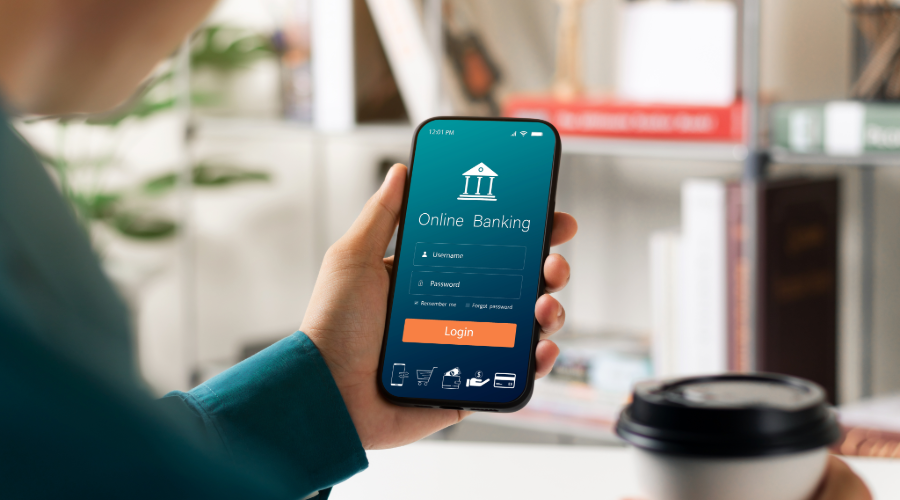
New MyMCB Mobile Banking App
Coming: March 11, 2026 - 7:00 AM PST
Introducing the first‑ever MyMCB Mobile banking App:
-
Check balances and transactions anytime
-
Deposit checks using your phone’s camera
-
Transfer funds quickly between accounts
-
Pay bills on the go with mobile Bill Pay
-
Set custom account alerts to stay informed
-
Use secure biometric login for added protection
What you need to know
1. How do I access The Mobile Banking App?
To access the mobile app, simply search for “MyMCB Mobile” in your device’s app store, download the app, and log in using your existing online banking credentials.
If you are new to online banking, you may register as a new user directly within the app.
MyMCB Mobile will be available in both the Apple App Store and the Google Play Store.
2. Will Mobile Deposits be available?
Yes. Mobile Deposits be available in the new MyMCB Mobile app.
Please note that deposit limits and availability timeframes may apply.
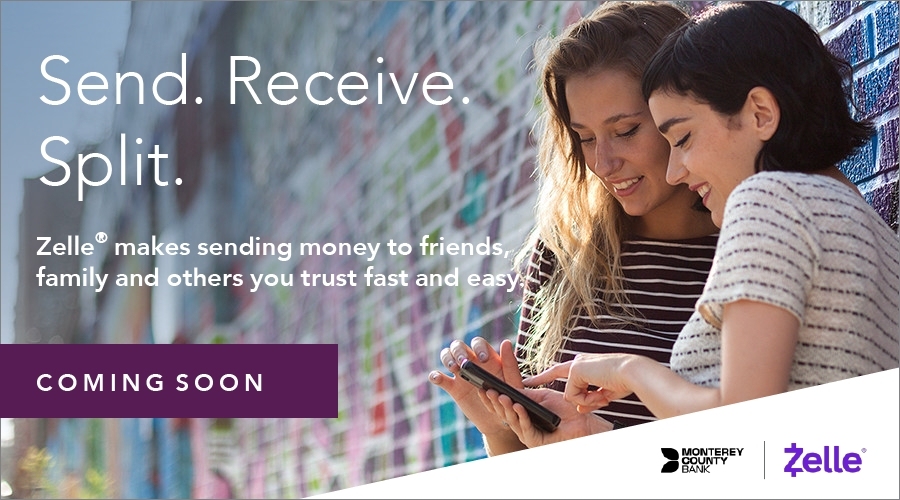
Introducing Zelle®
Coming: April 2026
-
Fast, convenient payments — send and receive money typically within minutes between enrolled users
-
Built directly into Online & Mobile Banking — no separate app required
-
Simple to use — all you need is an email address or mobile number
-
Secure — protected within Monterey County Bank’s online banking environment
-
Perfect for everyday needs — pay friends, split expenses, or send money to trusted contacts
What you need to know
1. How do I enroll in Zelle®?
Zelle® will be accessible through Online Banking as well as the new MyMCB Mobile app. Once the service is launched, simply log in, navigate to the Zelle® option within the menu, and follow the on‑screen prompts to enroll and begin sending or receiving money.
2. When will Zelle® be available?
Zelle® is anticipated to be available by mid-April 2026. Once launched, you’ll see the Zelle® option in both Online Banking and the MyMCB Mobile app.
3. Will there be a fee for Zelle®?
No. There are no fees to enroll in or use Zelle® through Online Banking or the MyMCB Mobile app.
4. Are there limits on sending or receiving money with Zelle®?
Yes. Sending and receiving limits may vary based on your account type (personal or business). Limits will be displayed in Online Banking or the MyMCB Mobile app once Zelle® is launched.
5. Will Zelle® be available for businesses?
Yes. Zelle® will be available for eligible business accounts through Online Banking and the MyMCB Mobile app. Once Zelle® launches, authorized users will be able to enroll and send or receive payments on behalf of the business, subject to the bank’s Zelle® profile settings and limits.
Please note that features and transaction limits for business use may differ from personal accounts.
6. Who can I send money to with Zelle®?
You can send money to anyone you trust in the U.S. who is already enrolled with Zelle® using their email address or U.S. mobile number.
7. How quickly will my Zelle® payments be delivered?
Most Zelle® payments are sent and received within minutes between enrolled users.
8. Can I use Zelle® internationally?
No. Zelle® is available only within the United States, and both sender and recipient must have U.S.-based bank accounts.
9. What if the person I send money to isn’t enrolled in Zelle®?
They’ll receive a notification explaining how to enroll. Once they do, the payment will be completed.
Alternatively, you may choose to use Zelle® with a recipient’s routing and account number.
Please note that:
- These payments do not process instantly.
- They may take a few days to complete, similar to a standard ACH transfer.
10. Is Zelle® safe?
Yes. Zelle® uses the same secure authentication and encryption technology you rely on for Online and Mobile Banking. Always send money only to people you know and trust.
This information is current as of March 4, 2026.
For the latest updates, we recommend visiting or contacting any Monterey County Bank branch.
We're Here to Help!
If you have any questions regarding these upcoming changes, please contact us and thank you for choosing Monterey County Bank. We look forward to bringing you a more powerful and seamless digital banking experience.
Copyright © 2026 Monterey County Bank. All rights reserved.
